Problems first
Open Vigia and you see only what needs you: down in red, pending in amber, and for how long. Switch to All for every monitor, grouped by product ("Shop - API" goes under Shop), with search. Tap one to open it in Kuma.
 Vigia
For Uptime Kuma · free · no account
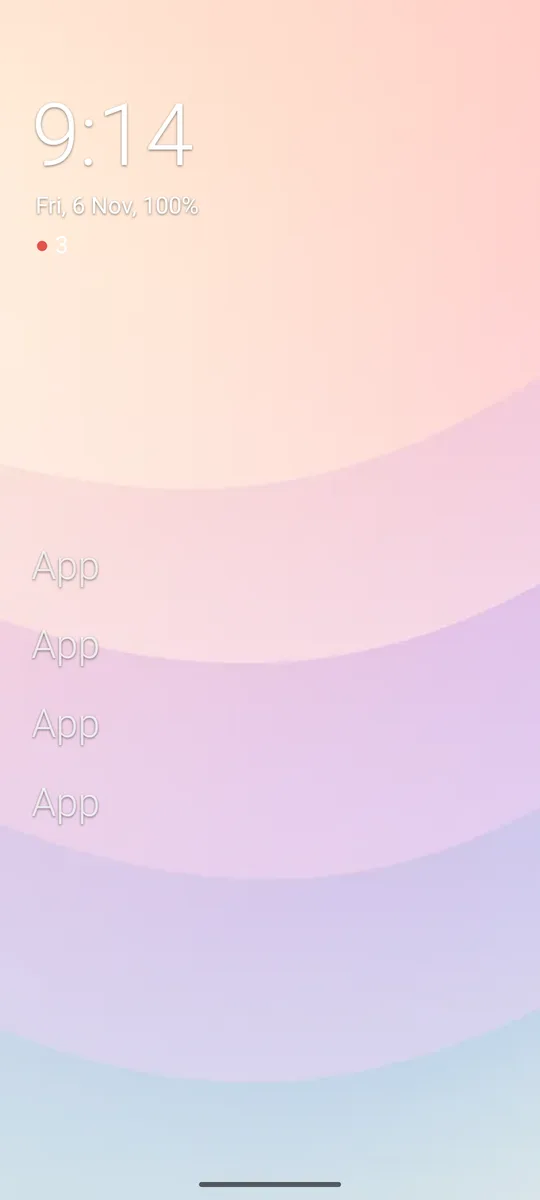
Vigia puts your Uptime Kuma on your phone: the monitors that are down or pending first, everything else grouped by product. With the Yoke launcher, a small 2 under the clock tells you at a glance.
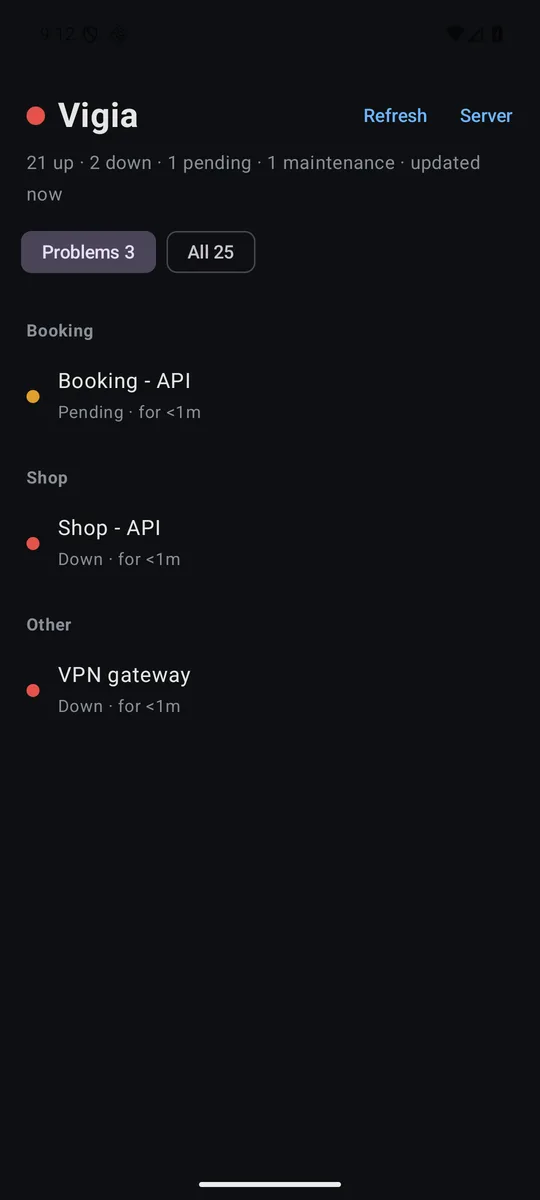
Open Vigia and you see only what needs you: down in red, pending in amber, and for how long. Switch to All for every monitor, grouped by product ("Shop - API" goes under Shop), with search. Tap one to open it in Kuma.
In the Yoke launcher, turn on Settings → Status dots → Vigia. A with the count sits under the date, green when all is well (or hidden, if you prefer). Tap it for the list, without opening the app.
There is no background job. Vigia asks Kuma only while you look at it or at the Yoke dot, at most every couple of minutes. Alerts stay where they are: Kuma's own notifications.
The phone talks to your Kuma directly with a read-only API key. No cloud, no analytics, no account. Only Yoke can read Vigia's list; other apps on the phone can't. The source is public.
uk).Kuma only on a private network (Tailscale, VPN)? Keep the phone on it. Vigia reads Kuma's /metrics endpoint with an API key, so it needs Uptime Kuma 1.21 or newer.
Built from the public source. Each APK's SHA-256 is published next to it; the signing certificate's SHA-256 is a0543d27549fba3bfc6c6caeb315aeb7f9aebdddd0f83266ea74e16caae61747.